Many view their laptop as a necessary tool for work, education, and even leisure. But, for people suffering from visual impairments and mobility challenges, navigating a single screen can lead to significant barriers. This is where an extra screen, an often underestimated assistance, comes into play, offering several accessibility benefits that can transform the user experience for these particular individuals.
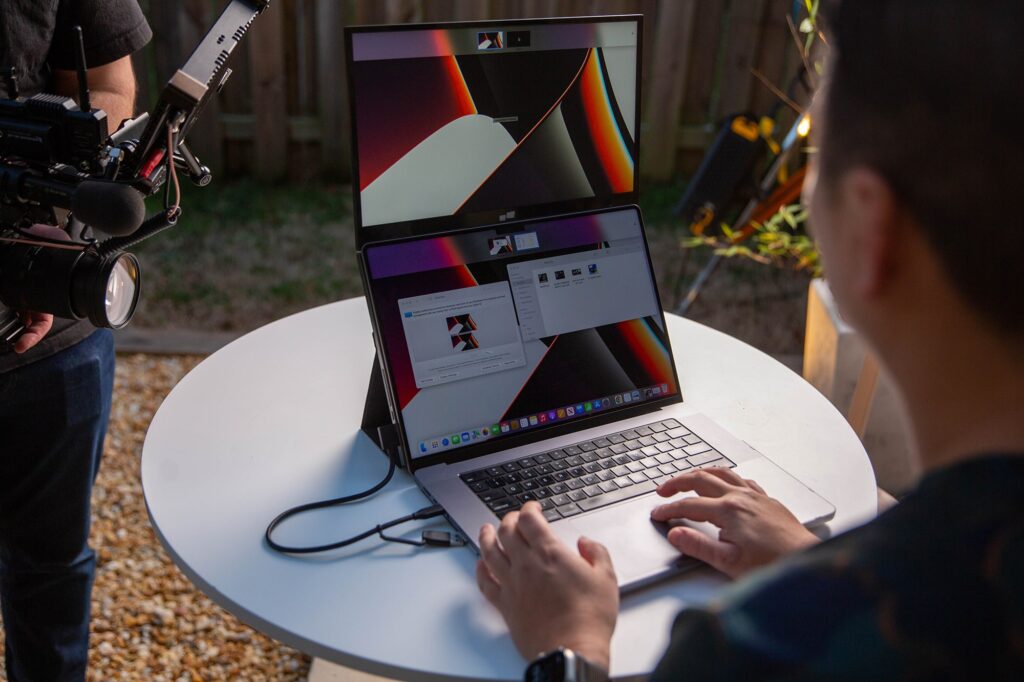
If you have similar problems and want an extra screen to assist in your projects and boost your productivity, get the Duex Float extra screen for laptop from Mobile Pixels and see the difference. Apart from that, the blog will discuss how extra screens improve accessibility for visually impaired or limited mobility consumers.

Magnifies and Offers Visual Comfort for Vision Impairments
One of the greatest and impactful advantages this extra screen offers to users with visual impairments is that they can magnify the content for better viewing, without interrupting the entire workspace’s layout. If you are used to built-in screen magnifiers, they are helpful too, but they usually force you to browse their work across a single screen. This results in losing track of your project and increasing cognitive burden. However, an external screen allows you to:
Dedicate One Screen to Magnifying Content
Visualize yourself reading a document with low vision on a big external monitor, where the text is enlarged for clear reading. At the same time, you can use your primary laptop screen for displaying a less zoomed-in view, open a separate application, or a communication window to interact with your client or colleagues regarding work, and get real-time feedback. The extra screen helps magnify the content and focus on other work without frequent switching.
Increase Font Sizes and Contrast
Larger screens have the potential to naturally adjust larger font sizes without excessive scrolling. You can also effectively fine-tune contrast settings on an external screen because these extra screens have a premium display quality, making it easier to read. Instead of struggling on single screens.
Streamlines Workflow for Mobility Challenges
Now, for users experiencing mobility challenges, specifically those with limited hand motion or who depend on input devices, an extra screen plays a huge role in streamlining your workflow, while decreasing physical effort:
Reduces the Need for Managing Windows
Minimizing, maximizing, and rearranging windows constantly can be very tedious. However, with two screens, you can dedicate one screen to your priority tasks, such as word processing and coding. Whereas the other can be used for opening secondary applications such as communication tools, digital keyboards, or reference materials. The extra screen distributes your work, decreasing the need for accurate mouse movements and repetitive clicks.
Compatible Layout For Assistive Technologies
If you usually rely on on-screen keyboards, speech-to-text interfaces, or eye-tracking software, you can position these tools on a separate screen, freeing up space on the main display. Giving you a less-cluttered and efficient workspace.

Enhances Multitasking and Cognitive Load Reduction
On top of that, an extra screen enhances your multitasking skills, but this advantage is pronounced for individuals dealing with accessibility problems:
Keeps Essential Information Visible
For a user with cognitive issues, who might not remember everything or can’t frequently switch tasks, having the essential information visible on different screens can be beneficial. The extra screen does this for them, so they don’t need to remember what’s hidden behind another window.
Eases Comparison and Cross-referencing
The extra screen does wonders in easing the comparison of documents, reviewing code, or cross-referencing information. This cuts down the mental effort necessary for holding information in short-term memory while switching.
Conclusion
Extra screens are quite fruitful in improving accessibility for the visually-impaired and restricted mobility. Therefore, if you want to break productivity records, buy this screen.